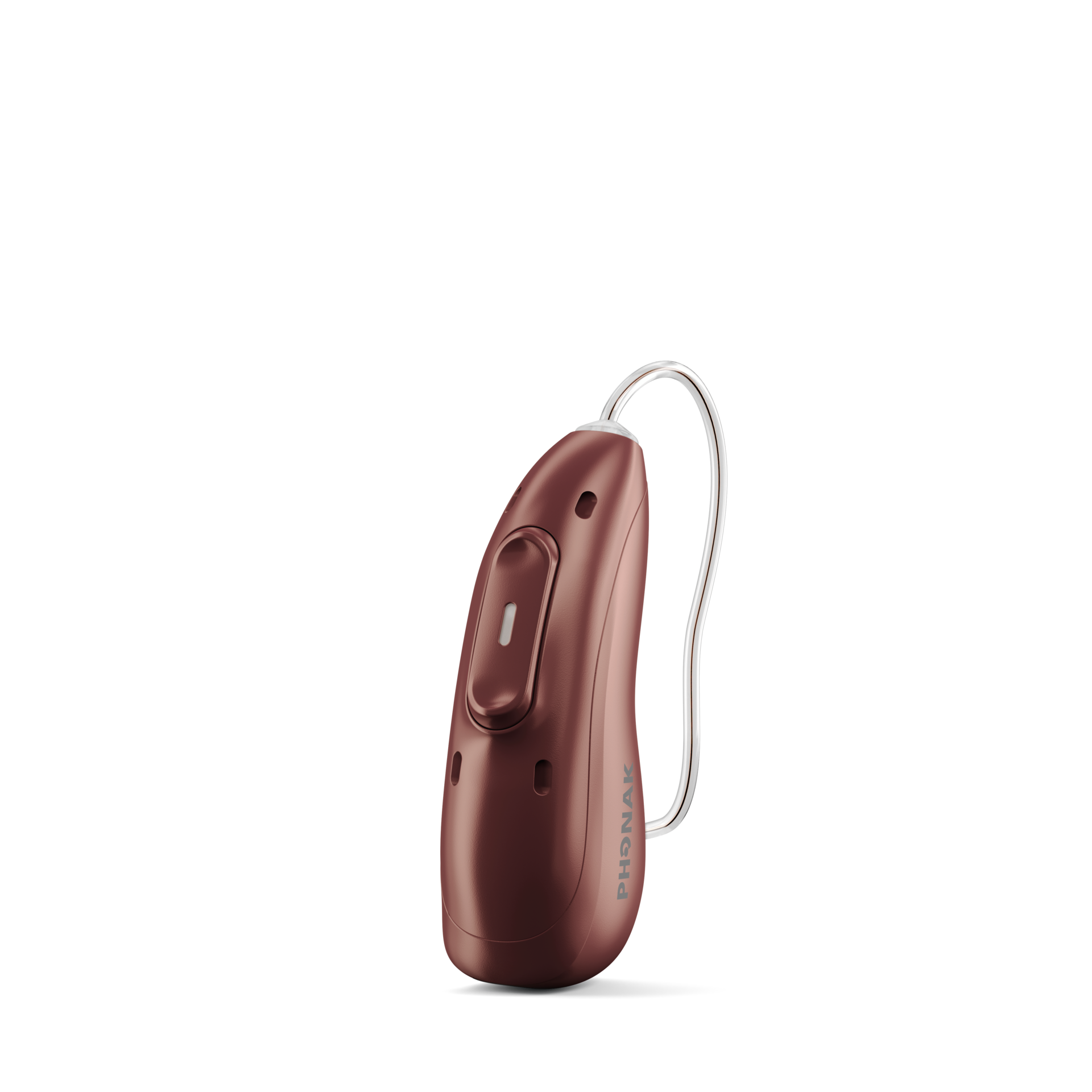
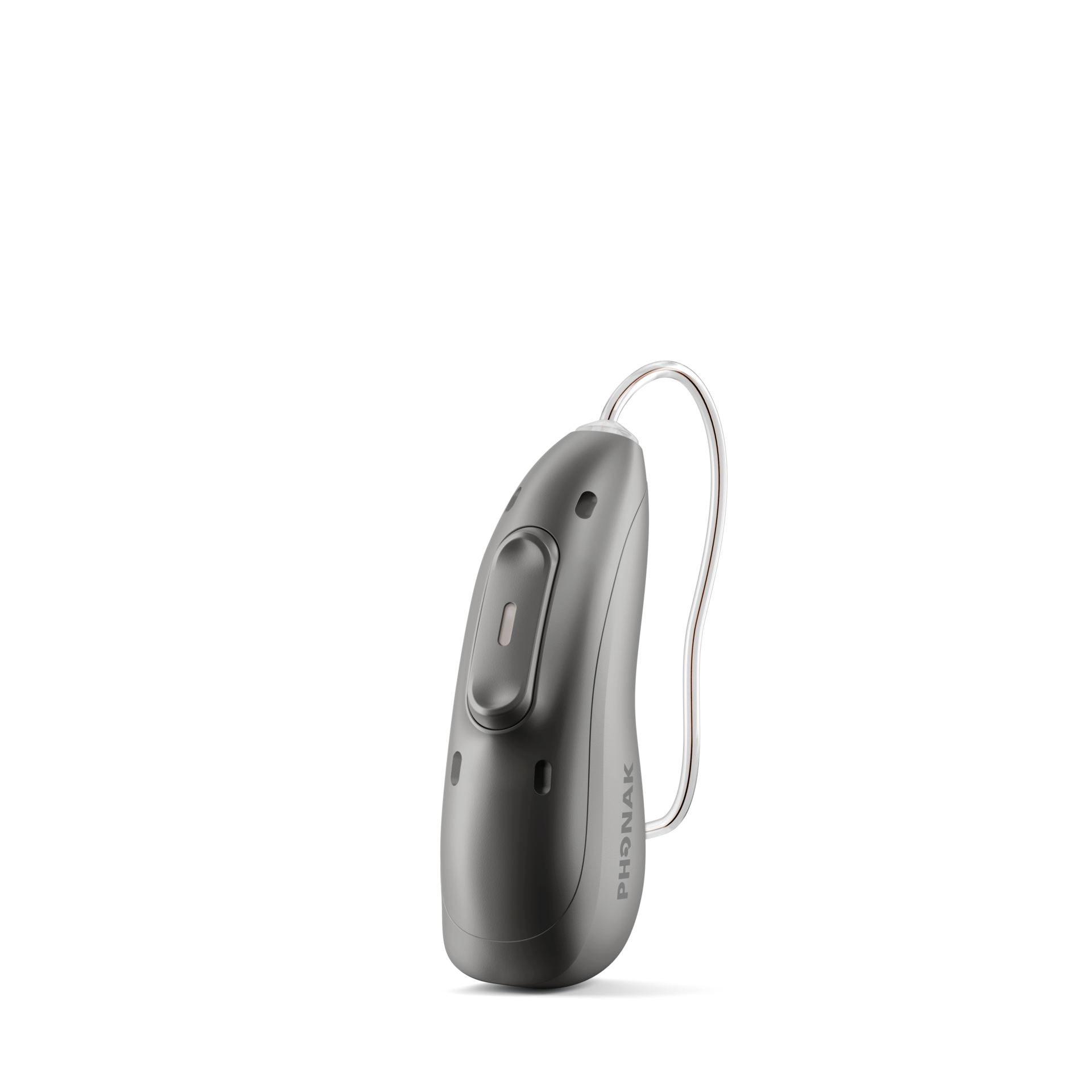
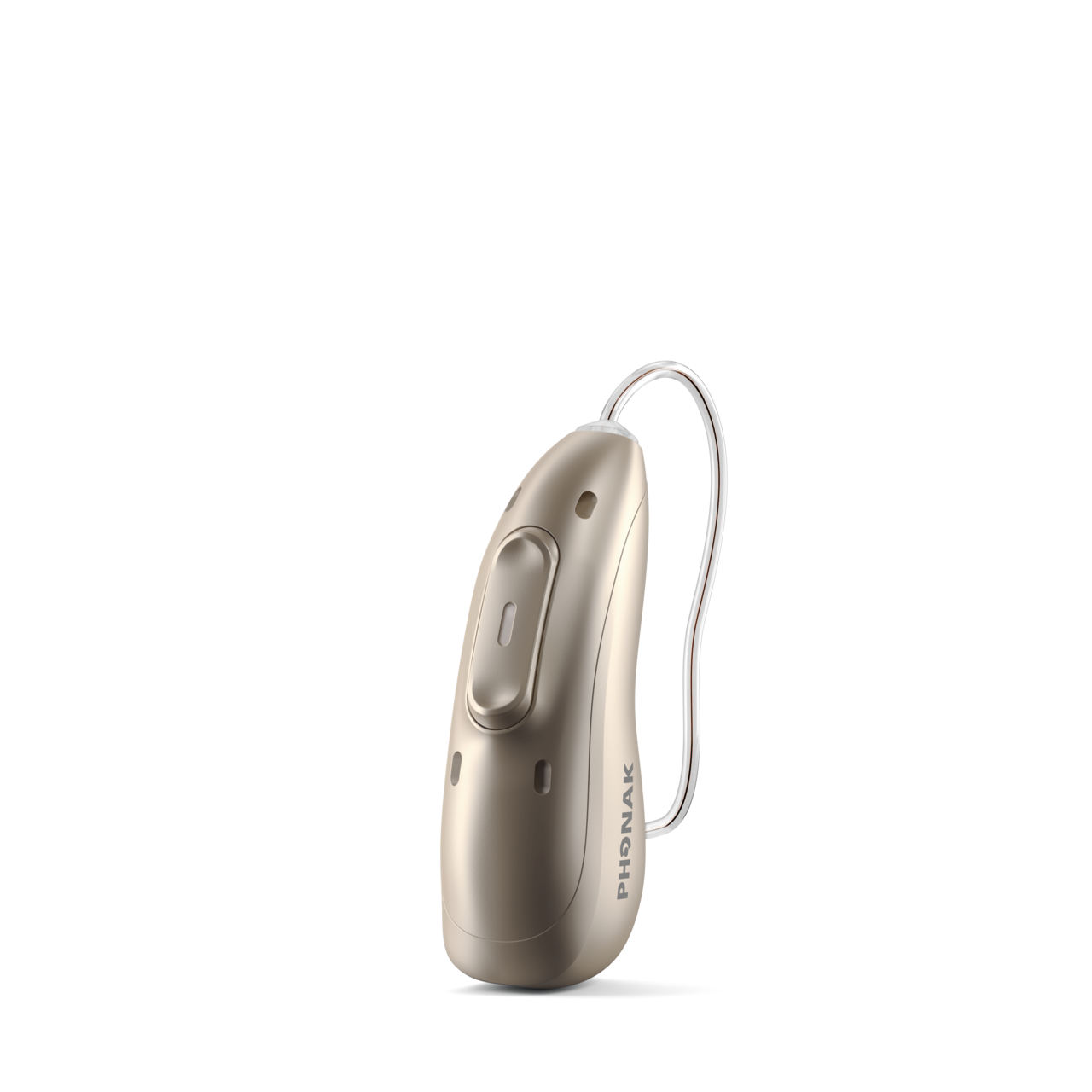
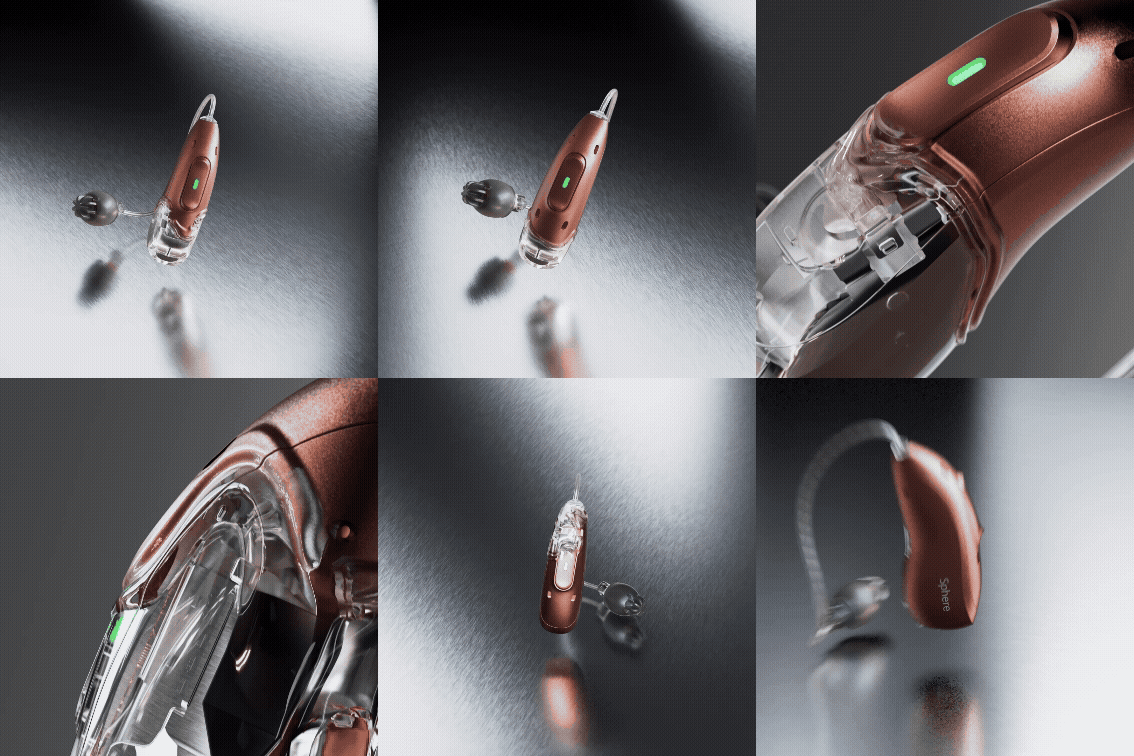
Uses AI-driven speech and noise separation, including Spheric Speech Clarity 3.0, to help conversations stand out from background noise. [1]
Audéo EON R
Uses AutoSense OS AI 8.0 to make automatic listening adjustments as your environment changes.[2]
CROS EON R
For unaidable hearing in one ear, CROS EON R transmits sound to a matching Audéo EON R on the better-hearing side. Not a Sphere device; fit is assessed by a hearing professional.
AI-driven sound classification adapts in real time to the listening scene. [1][2]
A small housing designed for comfortable, all-day wear. [1][2]
Connects to compatible Bluetooth devices and Auracast broadcasts, depending on your model. [1][2]
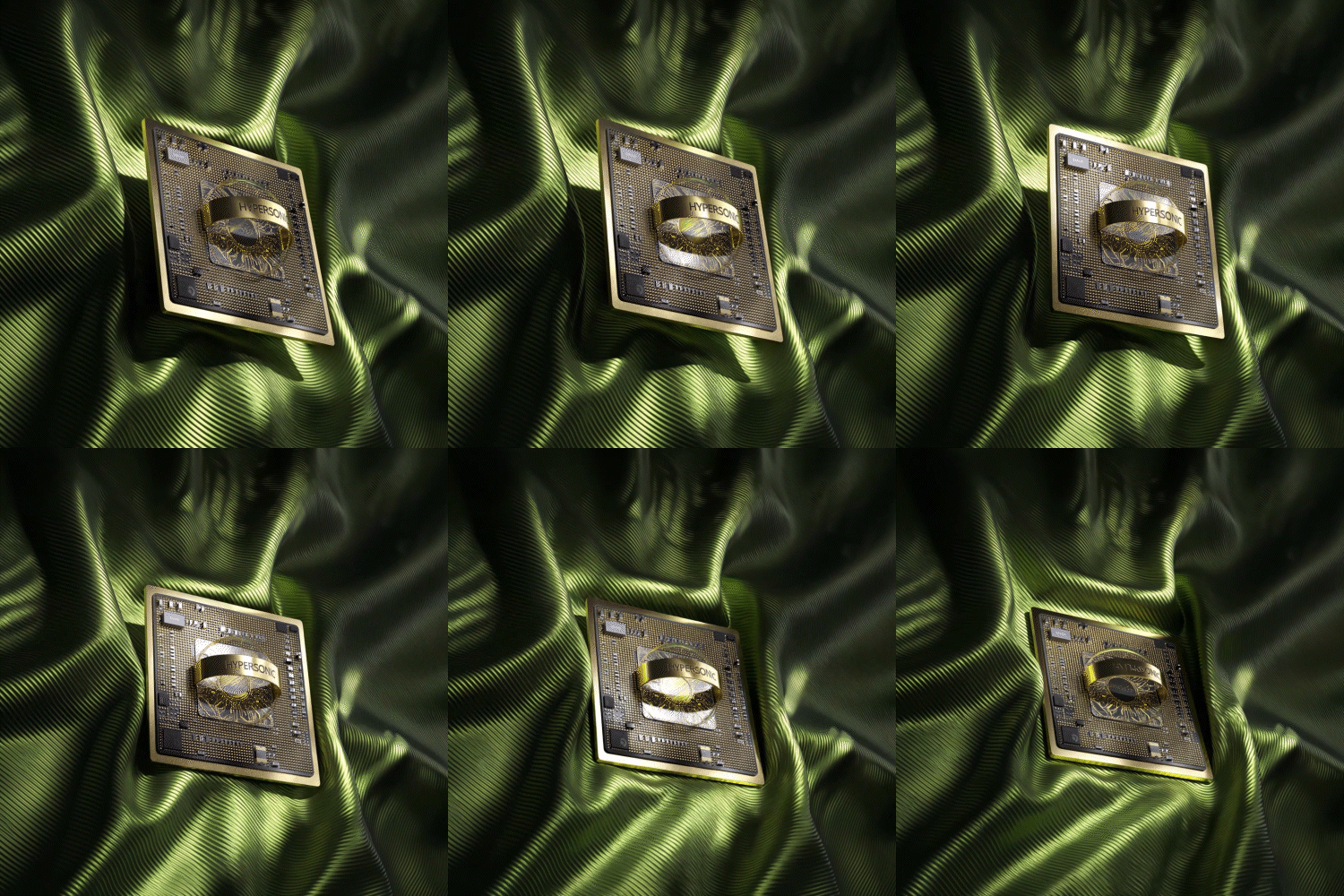
The HYPERSONIC chip powers AI processing exclusive to Audéo EON Sphere. [1]
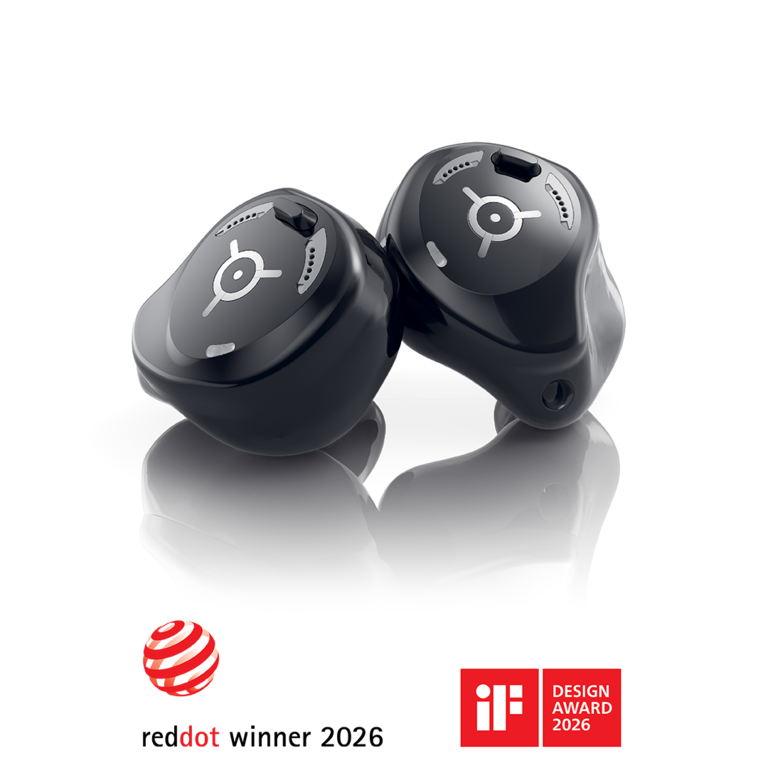
Custom Fit
A fit shaped for your ear
Virto R Infinio is a rechargeable custom in-ear alternative, on a separate platform from EON. Ear anatomy, hearing needs and desired features guide whether a custom option is suitable. [3]
Accessories
Support beyond your hearing aids
Exact-model charging options and compatible TV and remote-microphone accessories can support everyday listening. Bring your devices so we can confirm a suitable combination.[4]
Connectivity
Your devices, connected
EON supports compatible Bluetooth streaming and Auracast broadcasts where available. Exact phone, operating system, hearing aid model and software determine setup. myPhonak controls work with compatible models; remote support is optional when offered. [1][2][5]
Everyday Listening
Start with the moments that matter
Tell us about family meals, work, television or outdoor conversations. Those priorities guide model choice, fitting and follow-up.
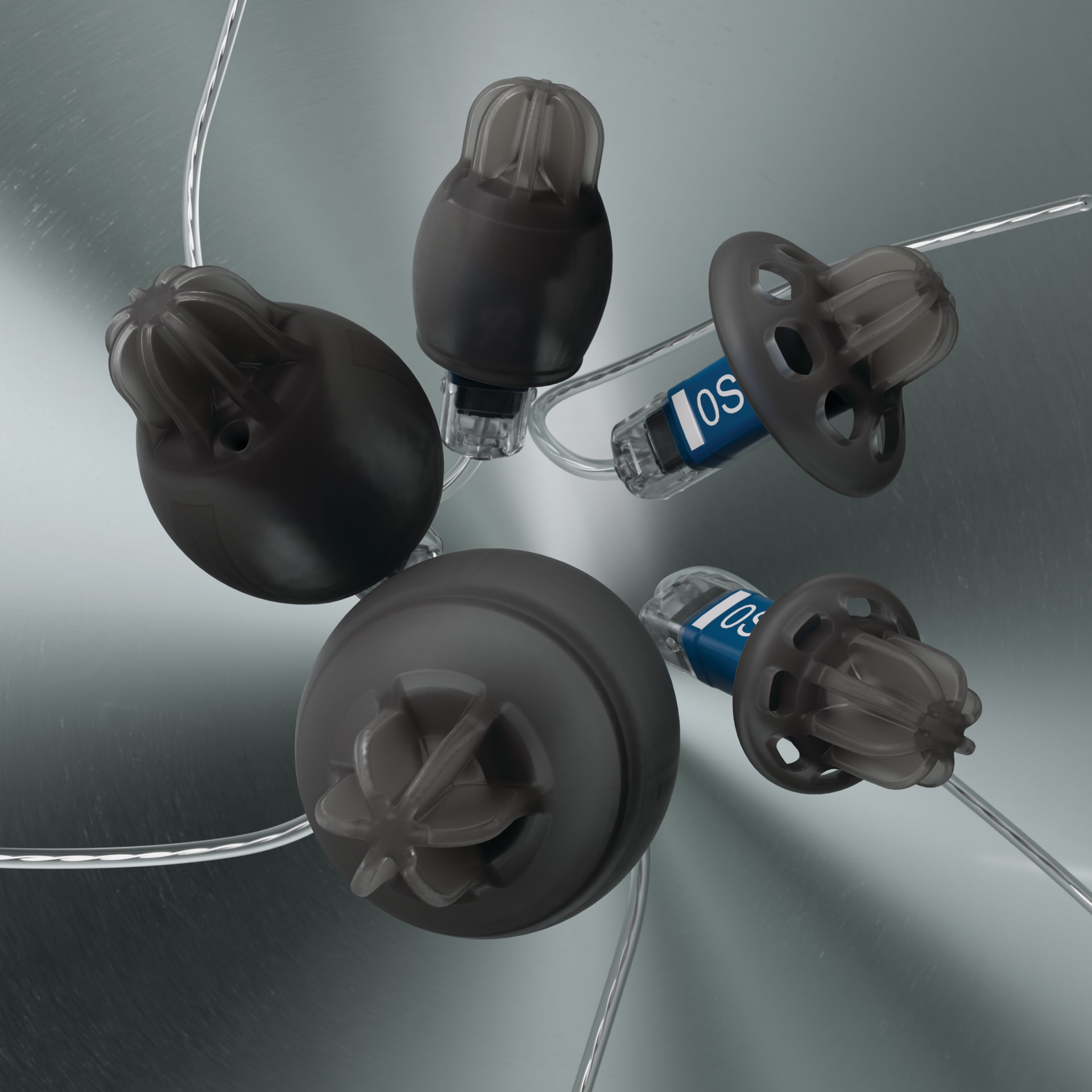
EasyGuard domes help limit wax from entering a compatible receiver; cleaning and checks still matter. Follow the instructions issued for your model. [1]
Pairing Bring your phone and model information for a compatibility check and setup.
Charging Follow the charger instructions issued for your model.
General Audéo steps may differ with model, phone and software. Virto R Infinio is a separate custom family, not EON. Follow instructions issued for your hearing aids.
Audéo: pairing with iPhone for Bluetooth streaming.[6]
Audéo: pairing with Android for Bluetooth streaming.[6]
EasyGuard: changing a dome.[7]
EasyGuard: cleaning a dome.[7]
Virto R Infinio: pairing with iPhone.[3]
Virto R Infinio: charging.[3]
Common Questions
Common questions
Are all EON models the same?
No. Audéo EON Sphere adds Spheric Speech Clarity 3.0; Audéo EON R uses different processing; CROS EON R routes sound from the unaidable ear.
Is Virto R Infinio an EON model?
No. Virto R Infinio is a separate custom in-ear platform, not part of the EON family.
Can every phone connect?
An exact phone, operating system, model and software compatibility check is needed before setup.
What is CROS?
CROS transmits sound from an unaidable ear to the better-hearing ear with a matching Audéo EON R, assessed by a hearing professional.
Do hearing aids restore normal hearing?
No. Individual outcomes vary; fitting and follow-up care matter.
How do I start?
Start with a hearing assessment and consultation. Contact us
to schedule.
Find your Phonak fit
A short consultation helps match the right technology, style and ongoing care to your hearing needs.